Create Professional Job Estimates and Manage Clients — All in Work Photo Pro

By Dave Halmai • Published: May 24, 2026 • 7 min read
Most contractors are running their business across too many tools. Photos go in the camera roll. Client names live in a contacts list. Estimates get built in a spreadsheet — or worse, written on the back of a receipt. Work Photo Pro just changed that.
Two new features are now live: client estimates with line items, tax, and PDF generation, and client management that connects your clients to every job and estimate. Everything in one place, on your phone.
Download Work Photo Pro — free to start.
What's New
Work Photo Pro started as a job site photo app — capture, organize, and share photos with your team and clients. These two new features extend that into the full workflow a contractor actually needs to run a job from first visit to final invoice.
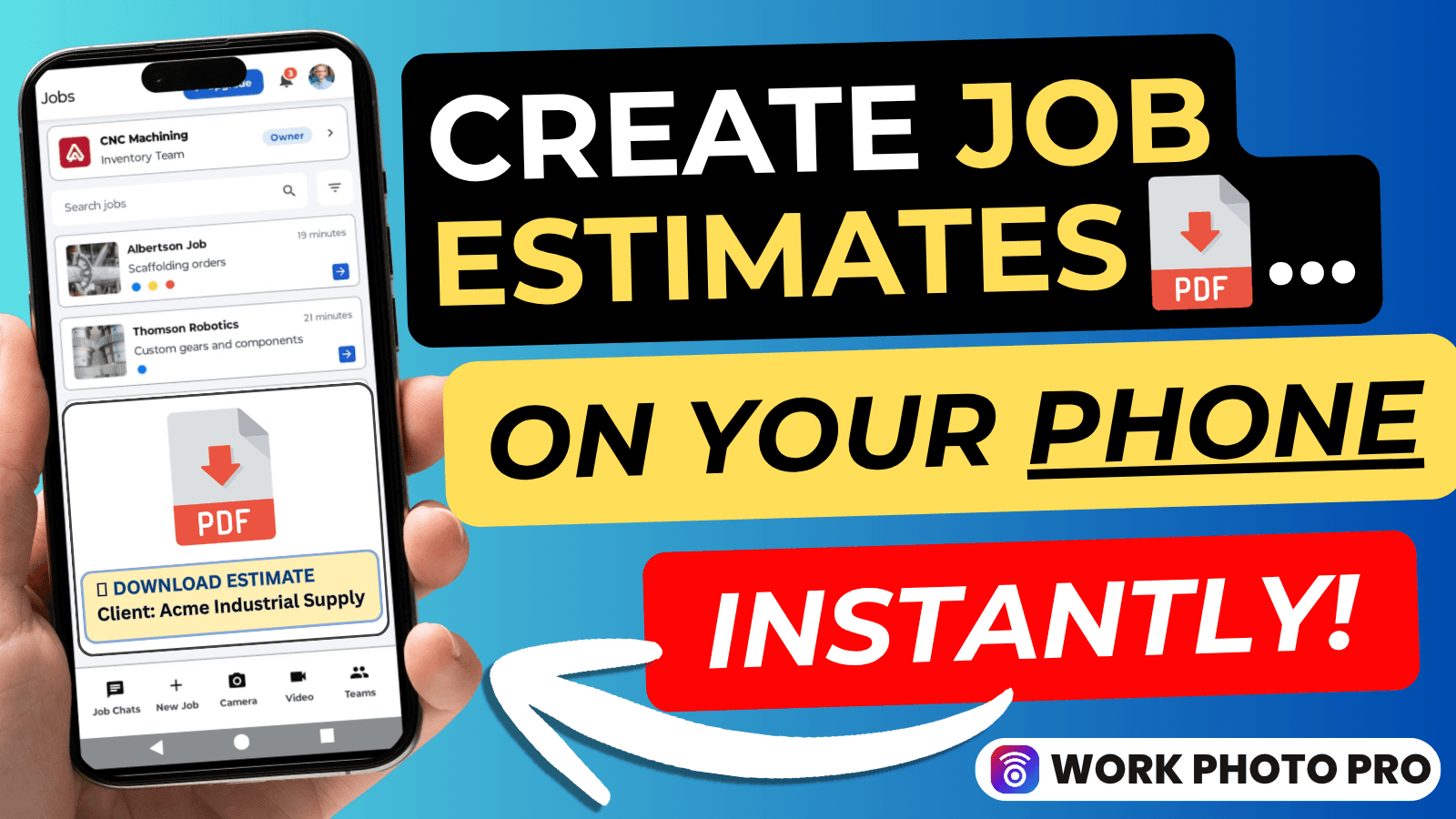
Client Estimates — Build professional estimates with itemized line items, apply tax, and generate a PDF you can send to your client before you leave the job site.
Client Management — Add your clients to Work Photo Pro and attach them to jobs and estimates, so everything stays connected and nothing gets lost between visits.
Together, they close the loop: document the job, build the estimate, send the PDF.
Create Job Estimates with Line Items, Tax, and PDF
A job estimate is often the first document a client sees from you. If it looks rough — hastily typed in your notes app, or scratched on paper — it sets the wrong tone before the work even starts.
Work Photo Pro's estimate builder lets you create itemized estimates directly from your phone:
- Add line items — list each piece of work or material separately, with a description, quantity, and unit price
- Apply tax — set a tax rate and let the app calculate the total automatically
- Generate a PDF — when the estimate is ready, export it as a professional PDF and share it with your client via email or message
No spreadsheet. No third app. No reformatting later at your desk. You build it on site, send it on site, and the client gets something that looks like it came from a real business — because it did.
This is especially useful for jobs where you're quoting on the spot: a roofing inspection, a plumbing callout, an HVAC service visit. Instead of telling the client "I'll send something over later," you hand them an estimate before you leave the driveway. That kind of speed builds trust — and often closes the job on the same call.
The estimate stays inside Work Photo Pro, attached to the job and the client, so you can pull it up anytime without digging through your email sent folder.
Manage Clients and Attach Them to Jobs and Estimates
Keeping track of who commissioned which job — and what was agreed — gets messy fast when you're managing multiple clients at once. A name in your contacts app tells you nothing about the job history. A job in your photo library tells you nothing about the client.
Client management in Work Photo Pro connects both.
Add a client once — name, company, contact details — and then attach them to any job or estimate in the app. When you open a job, you see exactly who it's for. When you build an estimate, you attach it to the right client. When that client calls three weeks later to ask about a previous quote, everything is already in front of you.
This is how professional service businesses stay organized at scale, without needing a separate CRM tool that costs a monthly fee and takes weeks to set up.
For contractors who are growing — picking up more jobs, working with repeat clients, bringing on new team members — this kind of structure makes the difference between staying on top of your work and constantly chasing it.
How Photos, Clients, and Estimates Work Together
The real value comes from how these pieces connect inside a single app.
Here's what a typical job looks like now:
- Create a job in Work Photo Pro and attach the client
- Capture photos on site — tagged, organized, and timestamped automatically
- Build an estimate from the job, with line items covering the full scope of work
- Generate the PDF and send it to the client before you leave
- Document the completed work with photos and share a progress report
At every step, the job, the client, the photos, and the estimate are all linked. Nothing lives in a separate app. Nothing falls through the cracks. When the job is done, you have a complete record — photos, scope, pricing — in one place.
If you've been managing this workflow across your phone's camera roll, a notes app, and a spreadsheet, the difference is immediate. See how contractors are already using photo documentation to improve client relationships and get paid faster.
Who These Features Are For
These features are built for:
- Solo contractors who quote jobs on-site and need to send a professional estimate without going back to the office
- Small field service teams managing multiple active clients and jobs simultaneously
- Trade contractors — roofing, HVAC, plumbing, electrical, glazing — where a clear, itemized estimate is standard practice before any work begins
- Contractors looking to grow who need better systems without adding more tools, more subscriptions, or more overhead
If you're currently quoting from memory or a basic notes app, this replaces that today. If you're already using a full accounting platform like QuickBooks, this won't replace it — but it handles on-site estimates and client tracking without the complexity or the monthly cost.
Explore the full list of features to see everything Work Photo Pro can do for your workflow.
Frequently Asked Questions
Can I send the PDF estimate directly to my client?
Yes. Once you generate the PDF, you can share it via email, text message, or any messaging app on your phone. The client receives a formatted document and does not need to download any app to open it.
Does the estimate link to the job photos?
Yes. When an estimate is attached to a job, it lives alongside the site photos and job details in one record. You can reference both when following up with a client.
Is client management available on the free plan?
Client management is available across plans. Check the pricing page for full plan details.
Does it work on iPhone and Android?
Yes. Work Photo Pro is available on both iOS and Android.
How do I get started with estimates?
Download the app, create a job, attach a client, and open the estimate builder inside that job. The getting started guide walks you through the full setup in minutes.
Ready to try it? Download Work Photo Pro and build your first estimate today.
Related Articles
- Getting Started with Work Photo Pro — Set up your account, create your first job, and get organized in minutes.
- How to Improve Client Relationships with Photo Reports — Use job site photos to communicate progress and build client trust.
- Work Photo Pro Features — Full overview of what the app can do for field service contractors.